
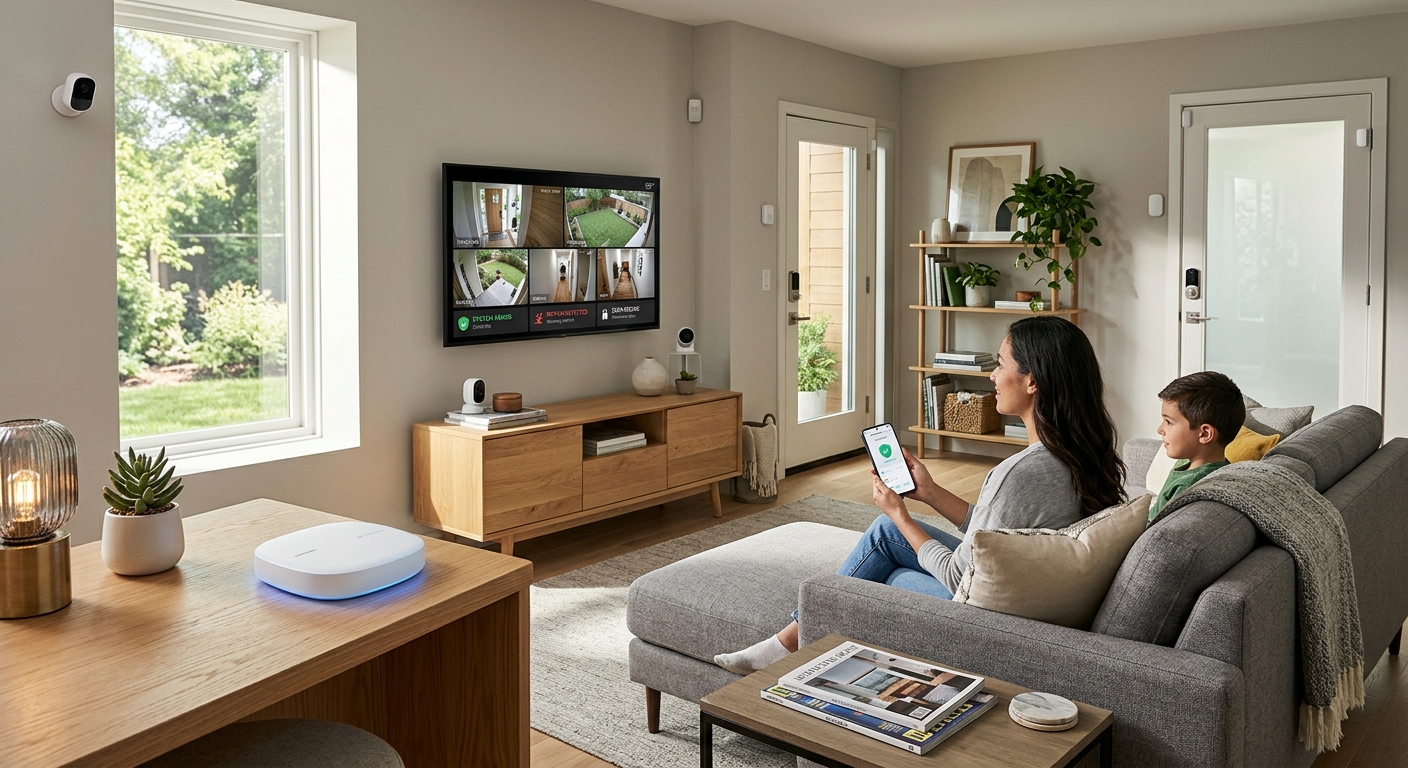
Overview of SmartThings Safe Premium
SmartThings Safe Premium enhances home security within the SmartThings ecosystem, connecting various devices, including Samsung and third-party products. It features 24/7 emergency monitoring powered by Arlo, manual help requests, and customizable automation routines, focusing on tailored safety solutions. Users can organize devices by room and receive real-time alerts, ensuring effective home monitoring.
Core Features and Benefits
At the heart of SmartThings Safe Premium is the Safe button, which initiates a help request after a 10-second countdown, connecting users to emergency monitoring agents. The Smart Home Monitor component alerts users to potential security breaches, such as unauthorized entry or fire, supported by video clips captured before events, adding clarity. Furthermore, users can control devices, set routines, and access a marketplace of compatible products that enhance the overall security setup.
Technology Integration
SmartThings Safe Premium is built on a foundation of advanced technology through its partnership with Arlo, ensuring efficient emergency response. The integration of video buffering technology in SmartThings Hub (Hub version 2) allows users to capture events leading up to incidents for better context. Additionally, users can set up customizable monitoring features tailored to specific scenarios, enhancing the entire security experience.
Availability and Geographic Limitations
The service is currently limited to select countries like the United States and the United Kingdom, affecting potential users eager to adopt its features. Users in regions where SmartThings Safe Premium is unavailable have expressed frustration and the desire for an expanded global beta program. Compatibility with a variety of devices within the SmartThings ecosystem increases its appeal, but the service’s limited regional rollout is a significant consideration for potential adopters.
How to Set Up and Use SmartThings Safe Premium
To start using SmartThings Safe Premium, users must select the Safe option and complete identity verification during the setup process. Following this, they can upgrade to the Premium Plan for enhanced security features. The Safe button provides ongoing support, but users not in supported regions should consider traditional security methods while waiting for broader availability of the service.
Comparing Plans: Basic vs. Premium
SmartThings offers a free Basic plan, which enables user-triggered help requests, while the Premium plan provides 24/7 professional emergency monitoring through Arlo. The Premium tier adds significant security value with constant support, though it is currently in beta and priced at $4.99 per month after a free trial. Understanding these differences is crucial for potential users evaluating their security needs and preferences in smart home solutions.
Community Reception and Future Enhancements
SmartThings Safe Premium is appreciated for its ability to foster family connectivity and real-time safety awareness. Users benefit from easy access to alerts and professional monitoring, creating a supportive environment for families. Ongoing updates and expansions reflect SmartThings’ commitment to enhancing user experience, while also focusing on solving geographical limitations that prevent widespread service availability.
Developer and Integration Insights
The SmartThings ecosystem supports extensive integrations and device compatibility, facilitated by the Works with SmartThings (WWST) certification program. As developers enhance their offerings, the platform’s ability to adapt and incorporate various devices ensures a dynamic smart home environment. Ongoing efforts to broaden integration capabilities aim to enhance user experience and encourage innovation among partners.
The content is provided by Blake Sterling, Home Upgrade News